Open source apps
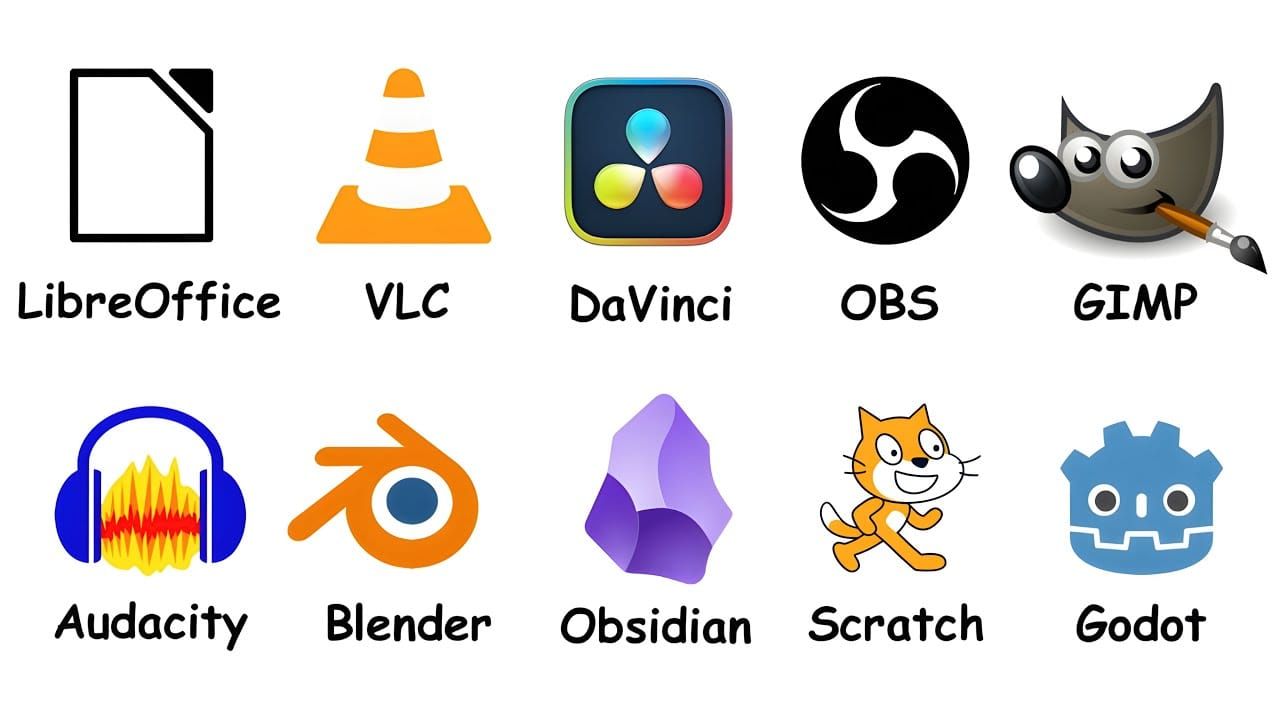
Summary: Every Free App You Actually Need Explained in 20 Minutes
This transcript makes the case that a vast amount of paid software — costing thousands of dollars per year in subscriptions — can be replaced by free, open-source alternatives that perform nearly as well without ads, limits, or upgrade prompts. Below is a structured summary of each application covered, with significant points highlighted.
Core Argument
Microsoft Office costs roughly $100/year (~$1,000 over a decade), and many people quietly spend over $1,000 annually across Photoshop, Premiere Pro, cloud storage, and productivity subscriptions. However, a huge amount of paid software has free open-source equivalents that do almost the same job.
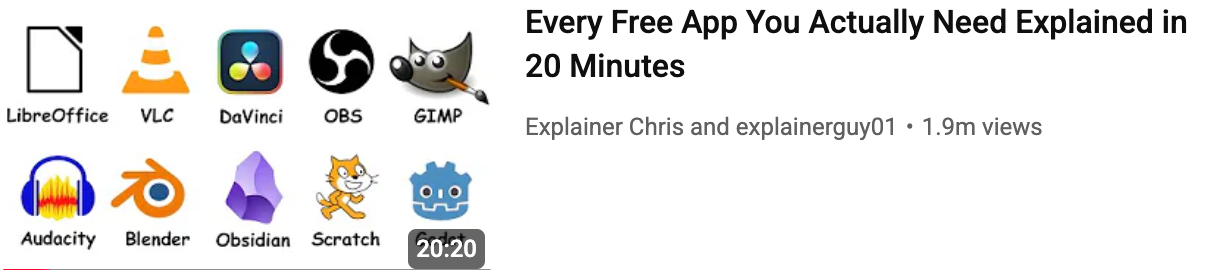
Applications Covered
1. LibreOffice — Office Suite Replacement
- Launched: 2010 as a fork of OpenOffice; maintained by The Document Foundation.
- Includes: Writer (documents), Calc (spreadsheets), Impress (presentations), plus tools for databases, diagrams, and equations.
- Key points: Opens and saves Word, Excel, and PowerPoint files; works fully offline; requires no account; sends no telemetry data.
- Adoption: Parts of France's military and Italy's Defence Ministry have switched to it.
- Limitations: Advanced Excel macros and complex PowerPoint animations may behave slightly differently.
- Replaces: Microsoft Office subscription (~$100/year → $0).
2. VLC Media Player — Universal Media Player
- Started: 2001 as a student project at École Centrale Paris.
- Key advantage: Plays virtually every format — MP4, MKV, AVI, FLAC, MOV, and obscure abandoned formats.
- Footprint: Under 50 MB; runs well even on very old machines.
- Hidden capabilities (most use only ~10%): Video/audio conversion, network streaming, frame-by-frame subtitle syncing, screen recording, DVD ripping, playing YouTube links directly.
- Logo lore: The traffic cone logo comes from developers collecting traffic cones during university.
- Replaces: Default media players and third-party codec packs.
3. DaVinci Resolve — Professional Video Editing
- Made by: Blackmagic Design (a profitable company giving away powerful software for free — genuinely free, not a trial).
- Four professional tools in one:
- Video editing (comparable to Premiere Pro)
- Fusion — motion graphics and visual effects (like After Effects)
- Fairlight — professional audio work
- Industry-favourite colour grading system
- Notable films colour-graded in Resolve: John Wick, La La Land, Deadpool.
- Free version includes ~95% of what most people need. The paid Studio version adds advanced noise reduction, some AI features, and higher-end export options.
- Drawbacks: Requires a decent GPU; steep learning curve ("feels like accidentally entering a NASA control room").
- Replaces: Premiere Pro, After Effects, audio software, and colour grading tools — hundreds of dollars per year.
4. OBS Studio — Streaming and Recording
- Released: 2012.
- Became the standard for streamers by providing professional video production without television studio budgets.
- Scene-based system: Layer screen capture, webcam, browser tabs, overlays, alerts, images, and audio sources; switch between them live.
- Features: Extremely high-quality recording; streams to nearly every platform; massive plug-in ecosystem (virtual cameras, Stream Deck integration, NDI support, advanced audio tools).
- Used by virtually every major streamer at some point; also used for tutorials, gameplay recording, podcasts, online classes, and virtual meetings via OBS Virtual Camera.
- Drawback: The first 10 minutes are confusing — buttons everywhere with no explanations.
- Replaces: XSplit, Streamlabs Ultra, Camtasia — saving ~$60+ while being the better product.
5. GIMP — Image Editing
- Full name: GNU Image Manipulation Program.
- Launched: 1996 — older than Google and YouTube.
- Capabilities: Full raster graphics editor with layers, masks, filters, brushes, selections, photo retouching, and digital painting. With plug-ins, handles raw photo files and Photoshop PSD files.
- Honest assessment: Interface can feel dated; some Photoshop shortcuts don't transfer; lacks native CMYK support (annoying for print designers). Described as "software designed by extremely talented people who slightly underestimated the importance of looking normal."
- Replaces: Photoshop (~$260/year → $0). No subscription, no login, no cloud integration.
6. Audacity — Audio Editing
- Released: 2000; survived over 25 years.
- Core function: Multi-track audio editor and recorder — cut clips, remove background noise, normalise volume, apply EQ and compression, add effects, clean up recordings.
- Export formats: MP3, WAV, FLAC, OGG.
- Plug-in support: VST and LV2 plug-ins for professional audio tools.
- Controversy: In 2021, concerns about telemetry and data collection caused backlash; most concerns were later clarified or scaled back, but it remains part of the software's history.
- Replaces: Adobe Audition or Hindenburg Pro (~$95–$240 → $0).
7. Blender — 3D Production
- Started: 1994 at a Dutch animation studio; became open source in 2002 after the community crowdfunded €100,000 to free the software.
- Complete 3D pipeline: Modelling, sculpting, rigging, animation, simulations, rendering, video editing, and 2D animation (Grease Pencil).
- Render engines: Cycles (realistic rendering) and Eevee (fast real-time previews).
- Real productions: Used in shots for Spider-Man: Across the Spider-Verse; Netflix's Next Gen was made entirely in Blender.
- Learning curve: Described as the hardest program on the list — "like someone handed you the cockpit of a 747 and walked away."
- Replaces: Maya, Cinema 4D, ZBrush — thousands of dollars per year → $0.
8. Obsidian — Note-Taking
- Released: 2020, during the "second brain" productivity movement.
- Philosophy: Stores notes locally as simple markdown text files — no account, no internet needed, no loading spinners.
- Key feature: Bidirectional linking — connect notes to other notes like a personal knowledge web, visualised through a graph view.
- Plug-in ecosystem: Over 1,500 plug-ins for calendars, flashcards, task management, AI tools, writing workflows, and more.
- Drawback: Syncing costs extra (Obsidian Sync), otherwise requires manual setup with Dropbox, iCloud, or similar.
- Replaces: Notion, Evernote, Roam Research — while keeping notes fully under your control.
9. Scratch — Programming Education
- Developed by: MIT Media Lab; launched 2007.
- Approach: Teaches programming through visual blocks (drag pieces like digital LEGO) rather than typed code. Underneath is real programming logic: loops, variables, conditions, events, functions.
- Accessibility: Runs directly in the browser — no installation needed; adopted by schools worldwide.
- Scale: Over 100 million shared projects — one of the largest programming communities on Earth.
- Replaces: Paid coding platforms charging yearly subscriptions for beginner lessons → completely free.
10. Godot — Game Engine
- Background: Gained massive attention after Unity's controversial 2023 pricing decision united the game industry against Unity.
- Licence: MIT licence — build and sell games with zero royalties, no revenue cuts, no surprise fees.
- Capabilities: Supports 2D and 3D development; scene-and-node system; GDScript (Python-like) or C#.
- Shipped games: Cassette Beasts, Brotato, Dome Keeper.
- Limitations: 3D tools still lag behind Unreal Engine in some areas; ecosystem smaller than Unity's.
- Replaces: Unity Pro (thousands/year) and Unreal Engine (royalties after a threshold) → Godot takes nothing, ever.
- Described as "the most quietly important project on this entire list" — the only major engine where game makers actually own what they make.
Honorable Mentions
| App | Purpose | Key Point |
|---|---|---|
| HandBrake | Free video converter and compressor | Shrinks massive files dramatically while keeping quality; supports batch processing, device presets, codec conversion. Replaces Movavi or Wondershare UniConverter. |
| 7-Zip | File compression tool | Opens every archive format (zip, rar, tar, ISO, 7z); supports encryption and password-protected archives. Actually free — unlike WinRAR's perpetual nag pop-up. |
Summary of Savings
The combined stack — office software, photo editing, video production, streaming tools, coding platforms, game engines, and media utilities — replaces thousands of dollars of software every year for exactly zero dollars.
The Trade-off
"Free software usually asks you to learn a little more instead of paying to make things simpler. But honestly, for most people, that trade is completely worth it."
The cost is primarily time and learning rather than money — each tool has a learning curve, some steeper than others, but the financial savings are substantial.