Wallet playground
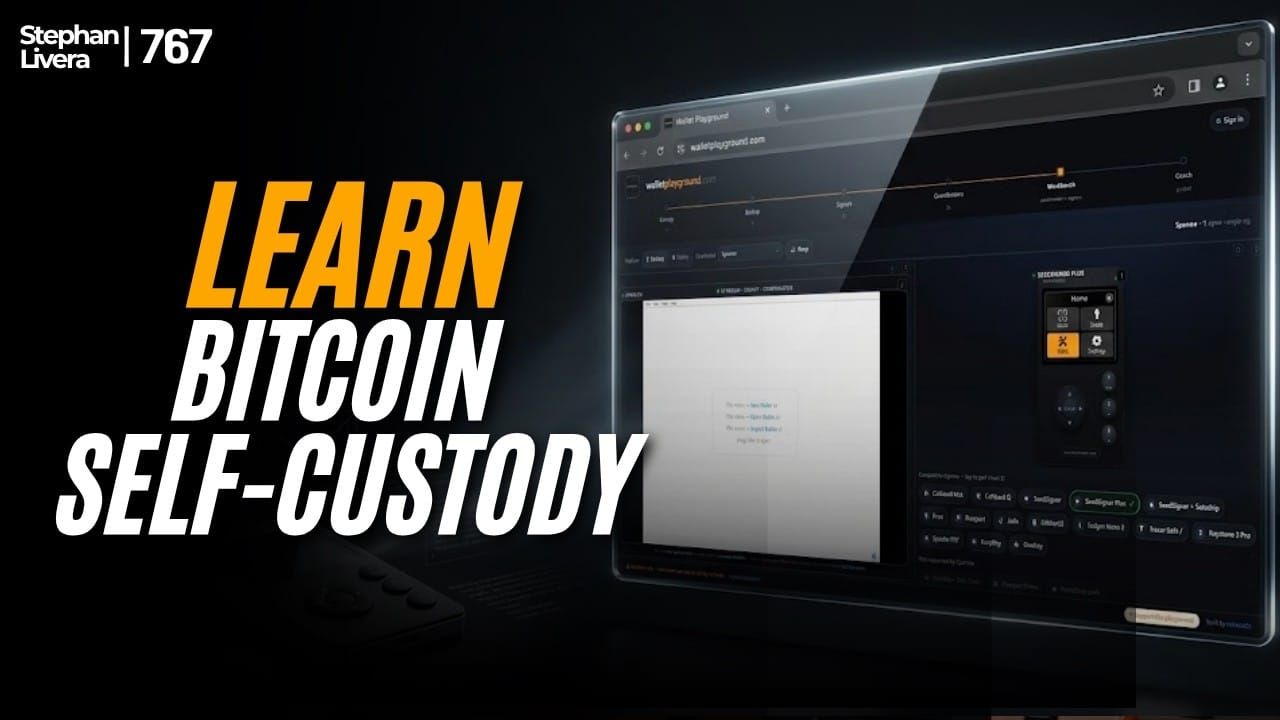
Podcast: Stefan Livera Podcast (Episode 767)
Guest: Piers Macrae of Minerracks
Topic: walletplayground.com — a free, browser-based interactive educational tool for learning Bitcoin self-custody
What Is Wallet Playground?
Wallet Playground is a web-based platform that lets users simulate and interact with real Bitcoin hardware wallet firmware and coordinator software entirely in a browser — no physical devices required. It emerged from Piers Macrae's years of self-custody consultancy work, where he needed a way to "dematerialise" his collection of hardware wallets and software so he could run workshops without transporting physical equipment.
The platform runs the actual real source code of each wallet and coordinator via firmware emulators on servers, so users see the code behaving identically to how it would on a real device. As of recording, the platform featured approximately 77 different simulators covering signing devices and coordinator software stacks.
Key Highlights
1. Three Self-Custody Models
Stefan and Piers distinguished between several models of Bitcoin self-custody:
- DIY everything — the "hardcore mode" where you do it all yourself.
- Collaborative custody (e.g. Casa, Unchained, Nunchuk) — "help me do it" / partial custodial assistance.
- Self-custody consultancy — "teach me how I can do it by myself" with hand-holding along the way. This is Piers' model at Minerracks.
2. Neutrality and Vendor Agnosticism
A core design principle was that Wallet Playground should be completely neutral — not promoting any one wallet over another. It serves as a "level playing field" where anyone can try any combination of signers and coordinators without making a purchasing decision first.
3. Transport Mechanism Focus
Rather than testing every possible device-to-coordinator permutation (which would be combinatorially enormous), the team focused on transport mechanisms — USB, QR code, SD card, NFC, and Bluetooth. They catalogued which coordinators support which transports, and which devices support which transports, then built a generic bus to bridge them. Bluetooth was noted as the hardest to emulate; NFC was comparatively trivial.
A significant technical challenge was ensuring multi-user isolation — preventing one user's actions from interfering with another's on the shared platform.
4. Coldcard Revelations as a Catalyst
The platform was released earlier than originally planned due to demand that "skyrocketed in the middle of the Coldcard revelations." Piers acknowledged it wasn't fully baked at release but felt it was worthwhile as a learning tool.
5. Multiple Firmware Versions Supported
The platform supports multiple firmware versions per signing device, including faulty Coldcard firmware — enabling researchers to actually experiment with known-vulnerable firmware and move seeds via emulated SD card.
Walkthrough: A Multisig Setup on Wallet Playground
Piers described a practical walkthrough using Signet (Bitcoin's test network):
- Landing: Visit walletplayground.com; dismiss a brief intro (an intro video may also appear).
- Coordinator (left panel): Sparrow Wallet is the default coordinator. Alternatives include Caravan, Bitcoin Core, Electrum, and others.
- Signing devices (right panel): A pallet shows all supported devices — e.g. Coldcard, Jade, SeedSigner, SeedSigner Plus (widescreen format). Up to three devices can be used simultaneously (expandable to five).
- Seed generation: On the SeedSigner Premium, instead of manually entering dice rolls or seed words, you can use the browser's native camera to capture entropy (a photo of anything) to generate a new seed.
- Backup: Display the seed as a 21×21 QR code on the SeedSigner's screen.
- Loading a seed into Jade: Use the hamburger menu to "point" the Jade simulator's camera at the SeedSigner displaying the QR. Scan it in to ephemerally load the seed into the Jade.
- Exporting to Sparrow: On the Jade, expose the seed as a multisig animated QR code. Point Sparrow's camera (again via hamburger menu) at the Jade to read the air-gapped QR code into Sparrow.
- Repeat for each additional signer.
- SD card flow (Coldcard example): Export the seed from the Coldcard as an SD card file via a menu button, then import it into Sparrow — fully emulating the SD card transfer.
The key difference from physical hardware: inserting/removing SD cards and pointing cameras is done via menu clicks rather than physical actions, but the flow is otherwise identical.
Common Misconceptions in Self-Custody
Piers identified a fundamental misunderstanding: people associate a key with the device that generates, signs, and stores it — treating a "hardware wallet" as a wallet, when it is really a signing device.
He drew an analogy to 1990s multifunction centres (photocopier + fax + printer) that "did all three things badly." A typical hardware wallet attempts three roles simultaneously:
| Role | Description |
|---|---|
| Random number generator | Creates entropy for seed generation — which can go badly wrong if too much trust is placed in the device. |
| Transaction signing device | Only needs contact with the key at signing time (merging private key with transaction data to produce a signature); the key otherwise stays offline. |
| Digital locker / storage | Compresses 12–24 seed words down to a 4–8 digit PIN, simplifying what you must remember to spend funds. |
Piers argued that no single device is necessarily "best of breed" at all three roles, and that for long-held lifetime savings — where funds must never be lost — doing things the harder, more deliberate way is what clients actually want.
Scale of Multisig Adoption
Stefan provided rough ballpark figures for context:
- ~10 million hardware wallets sold
- ~4–5 million unique hardware wallet users
- ~50,000 people (roughly 1%) using multisig for cold storage / lifetime savings
He acknowledged that most users are running single-sig, possibly with a passphrase — "probably not even that." Multisig for cold storage is described as "a niche within a niche within a niche."
Guided Coaching Runs
Wallet Playground includes a coaching tab offering three reference implementations of what Piers considers best-practice standards:
- Single-sig setup and configuration
- Single-sig with passphrase setup and configuration
- (A third guided run, implied for multisig)
Key features of the coaching runs:
- They are not canned videos — each run spins up a unique instance of Sparrow plus a SeedSigner, generating brand-new seed words every time.
- Transactions go through the actual Signet network — users can track and trace real signet transactions.
- They serve as a memory jogger for people who took a course but forgot the steps months later.
- Users can immediately practise on the simulated devices without exposing real keys or Xpubs, or needing to locate their physical hardware.
Stefan likened this to firearms drilling — regular safety practice and repetition — acknowledging that while some find the analogy uncomfortable, self-sovereignty requires this kind of deliberate practice.
The Trust-to-Verify Spectrum
Piers described taking clients on a journey from the "trust and believe" end of the spectrum toward "know and verify" — emphasising the "gulf between the meaning of those words." He sees increasing numbers of people wanting to make that journey, though he concedes it will likely "never be more than a microscopic percentage of people who have Bitcoin price exposure."
The Risk Trade-Off Landscape
Stefan summarised the self-custody choices as a spectrum of risk management:
| Option | Description |
|---|---|
| Custodial / ETF | Pay a professional custodian to deal with the risk for you. |
| Collaborative custody | Partial custodial assistance (e.g. Casa, Unchained, Nunchuk). |
| Self-custody consultancy | Pay someone to teach and coach you through doing it yourself. |
| Full DIY | Put in hundreds of hours and learn to do everything independently. |
Stefan reminded listeners of exchange failures — Mt. Gox, FTX, BlockFi, QuadrigaCX — as cautionary examples of what happens when you "bundle" risk by trusting an exchange. "You're paying with risk," he said — the question is how you choose to manage it.
Piers' closing reflection: self-custody appeals to those who, if they are going to lose their coins, would rather it be down to their own self-responsibility than having trusted the wrong person.
Websites Mentioned
- walletplayground.com — the interactive simulation tool
- minerracks.com — Piers Macrae's self-custody consultancy
Note: This summary is based on the provided transcript of SLP767. No sponsor content was included, as none was identifiable in the transcript.